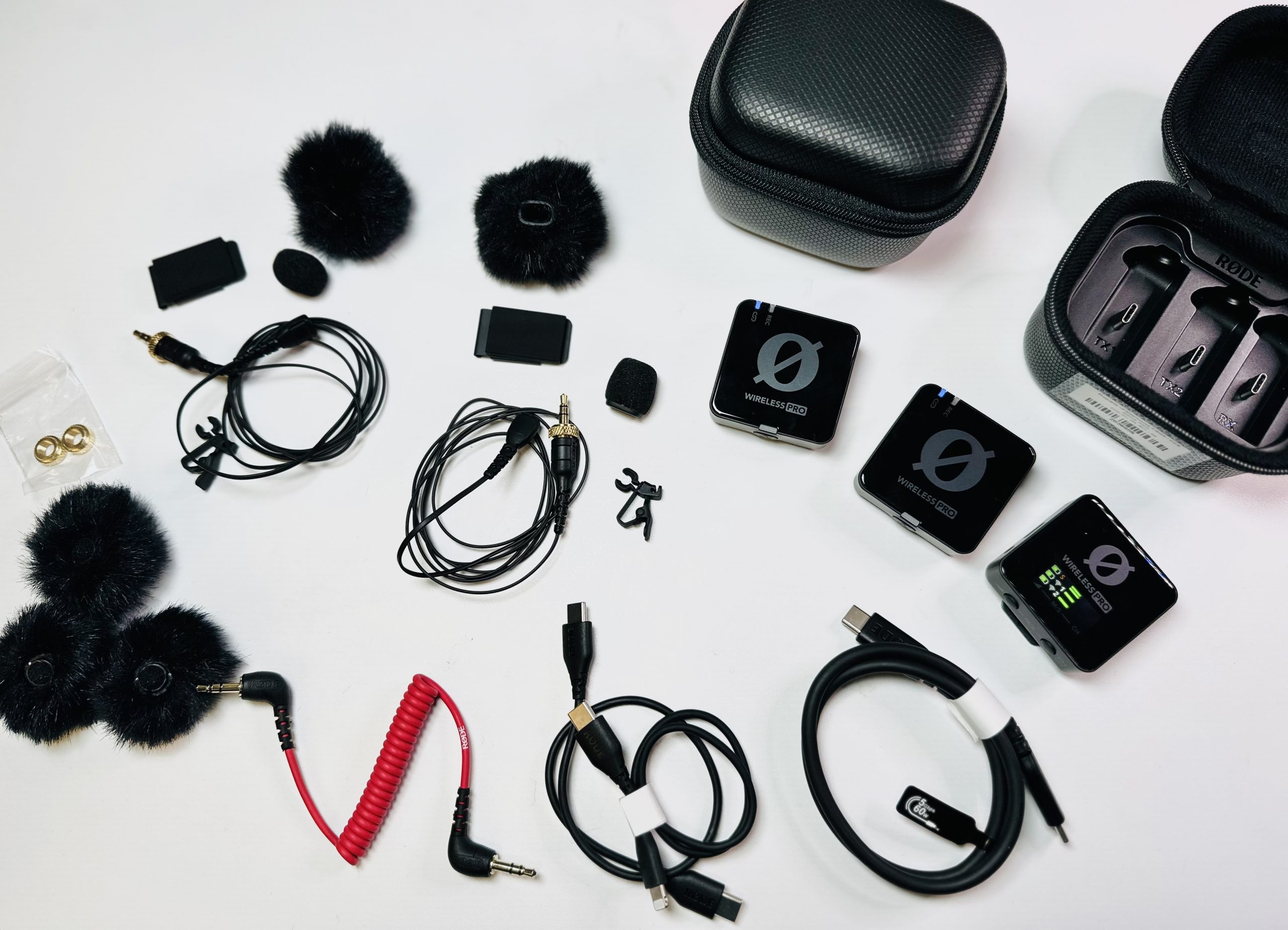
With content creators in mind, the Rode Wireless PRO provides broadcast-quality wireless audio to elevate the sound quality of your next project. The two clip-on transmitters with built-in microphones allow you to record two people at the same time to your camera, smartphone, or computer. It provides 32-bit float back-up recording, timecode, and two lavalier mics, along with a dual-channel receiver and other supported accessories.
Quick 5-step Setup
-
- STEP 1 – Power + Pair. Transmitter should be auto paired to the two receivers. If not, HOLD power button on all three.
- STEP 2 – Connect to iPhone 17. Connect Rode-supplied USB-C to USB-C cable from receiver to phone’s USB-C port.
- STEP 3 – Clip on & Check Sound Levels (from Receiver). Attach transmitter to subject using a clip (magnetic or regular). Option #2: Plug in a lavalier and if windy attach a windscreen or dead cat (really windy) to the lav.
- STEP 4 – Open iPhone’s native Camera App. Auto detects mic as input.
- STEP 5 – Hit Record. When done, store all units back in the charging case. Coil cables properly to extend life.