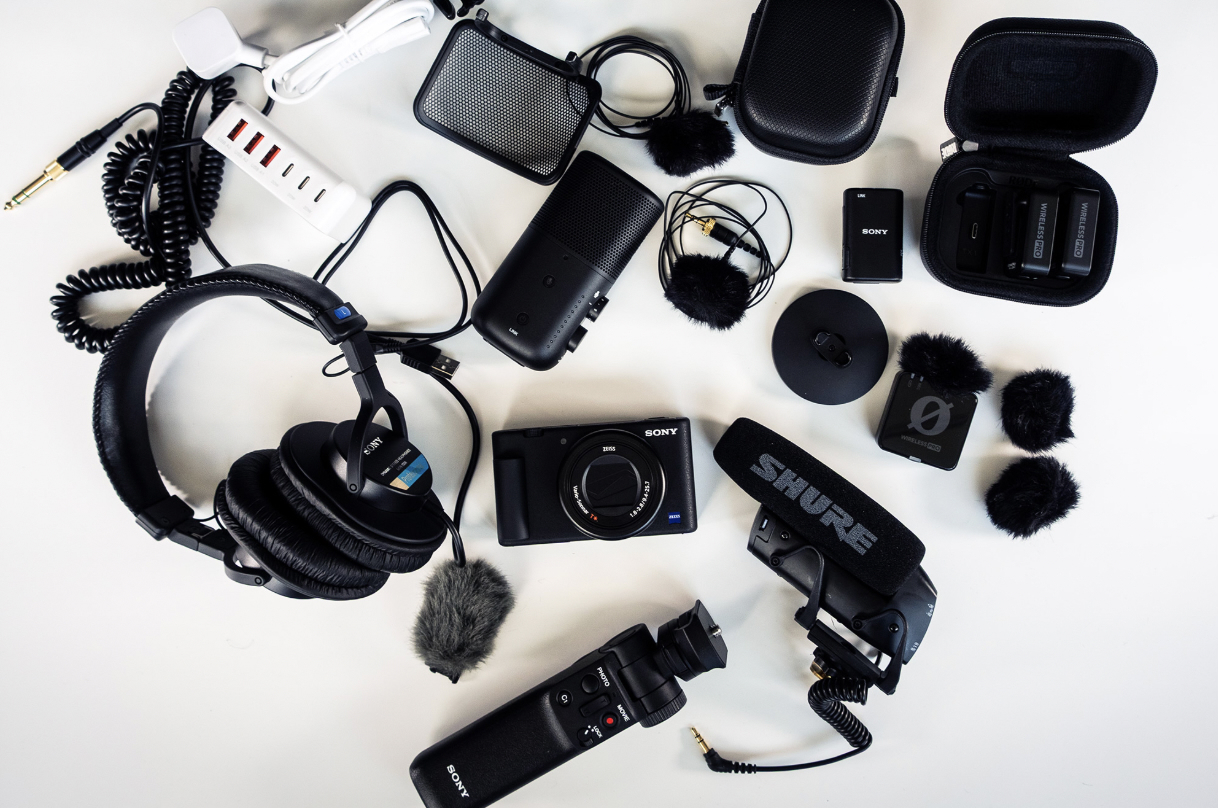
What’s inside?
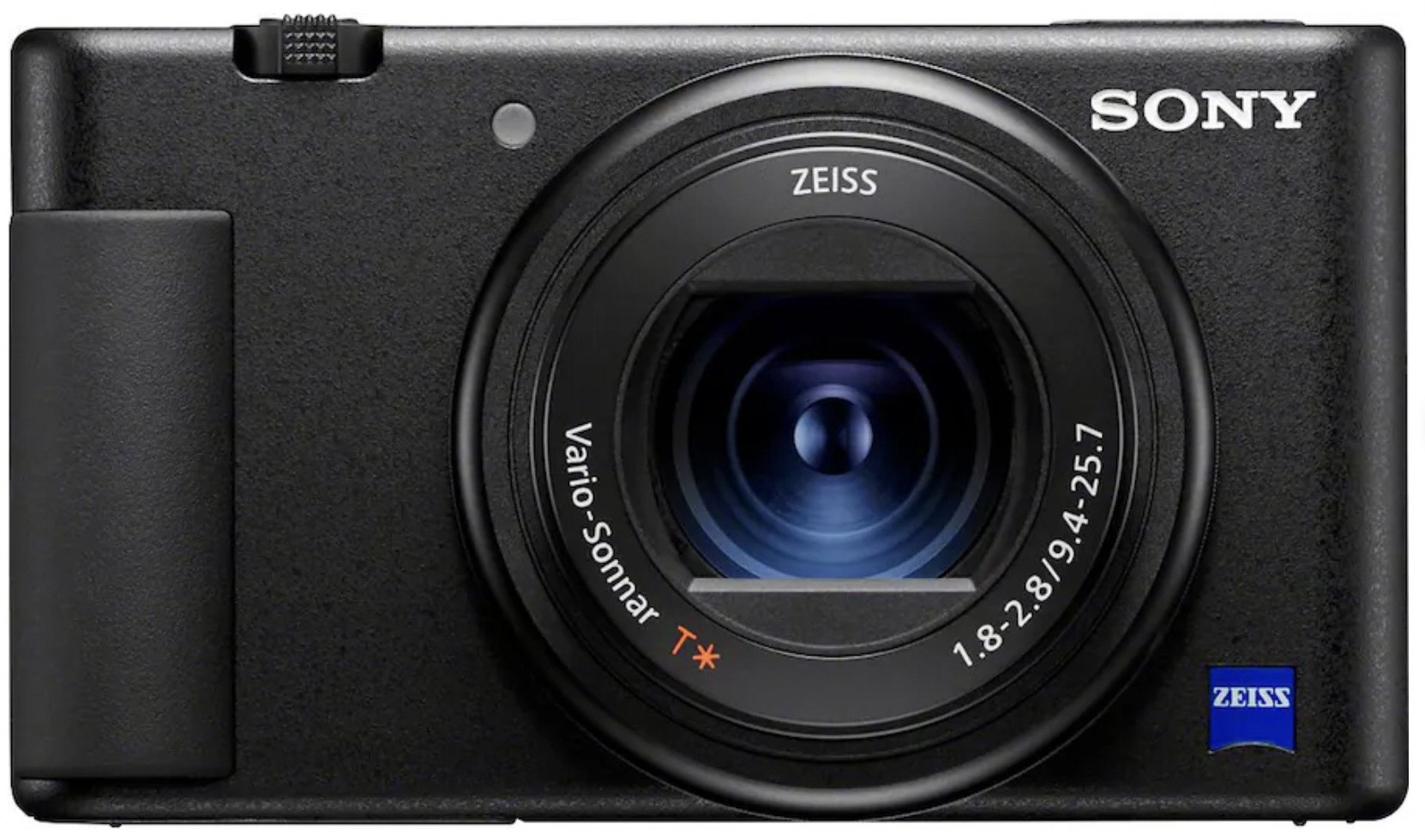
- Sony ZV-1 camera w/ 24-70mm digital zoom
- Compact, digital camera designed for vloggers + content creators in mind.
- Fully articulating side-flip touchscreen LCD.
- Records up to 4K video at 30 fps and 1080p super slomo up to 120 fps.
- 24-70mm equivalent f/1.8–2.8 Zeiss Vario-Sonnar T* lens (Great for low-light performance and background blur.)
- AF: Live Eye Auto Focus, Tracking, and can shift focus from face to object.
- AUDIO: directional microphone with a detachable wind screen, 3.5mm jack.
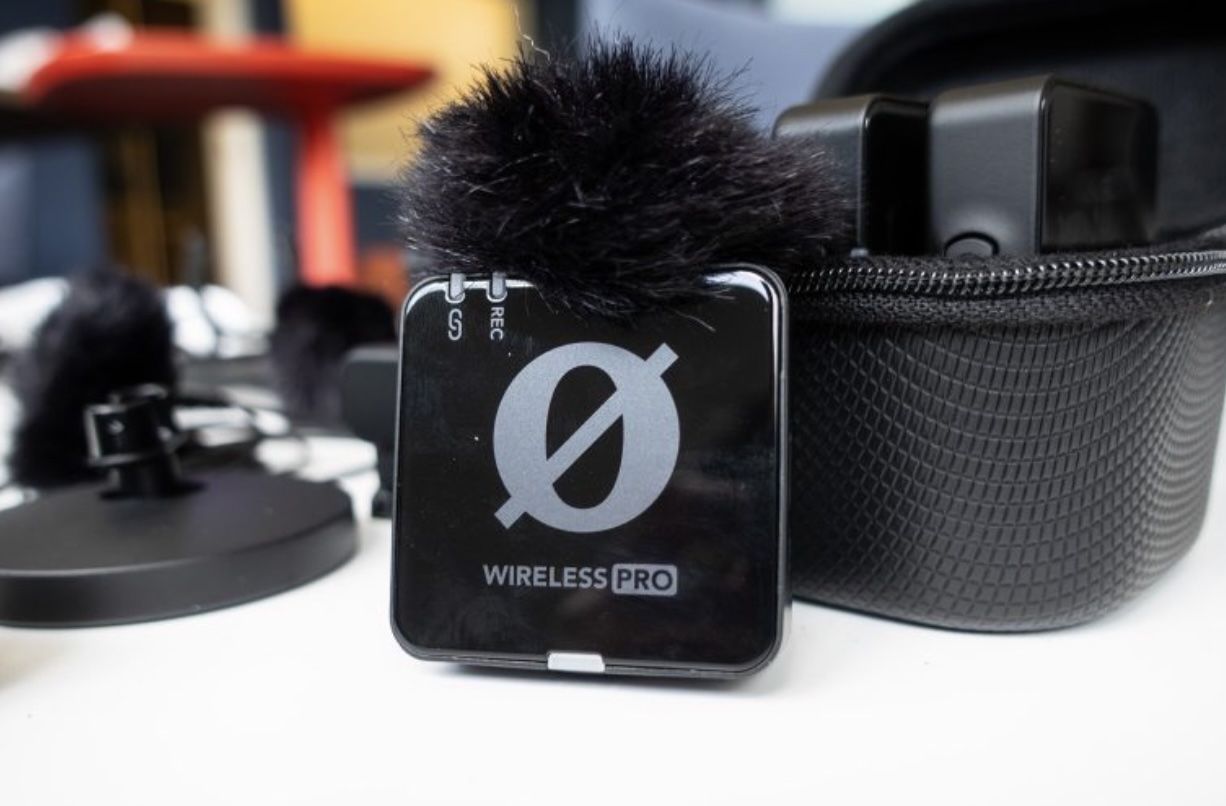
- RODE Wireless Pro Mics
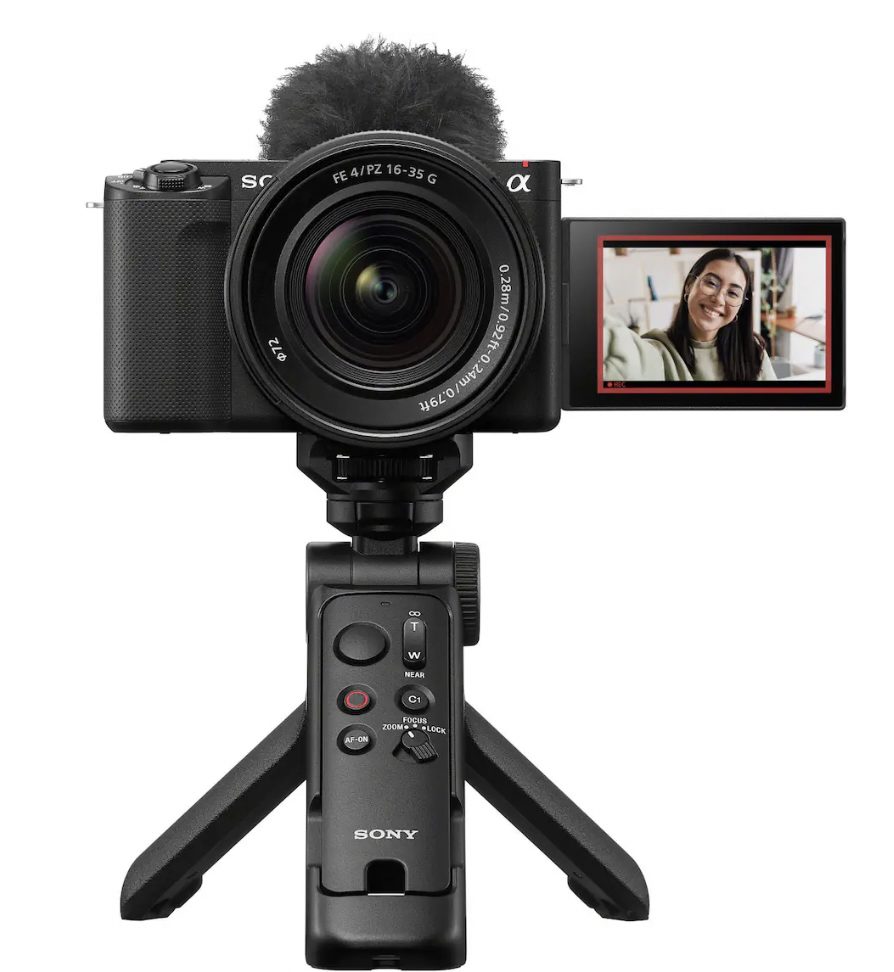
- Sony GP-VPT2 Bluetooth Shooting Grip, Tripod & Remote Commander
- Turn on camera → Flip screen → Press MOVIE → Record
- Use when: holding camera at arm’s length, need a mini tripod, or filming yourself from afar.
- Look for the Bluetooth/remote connection icon on the camera screen = grip is engaged.
- If you don’t see the bluetooth icon, follow these steps:
Step 1: Prepare the Grip
- Check that a CR2032 lithium battery is inserted with the positive side facing up.
- Slide the LOCK switch on the grip to the unlock position.
Step 3: Pair the Grip and Camera
- If you don’t see the bluetooth icon, follow these steps:
- OPERATION: BUTTONS
- 🔴 MOVIE – Start/stop recording video
- ⚪ PHOTO – Take a photo
- C1 – Toggle a favorite camera function
- Zoom rocker – Zoom in/out
- Lock – Prevent accidental button presses
- AF ON – Engage Auto focus
- Sony MDR-7506 Headphones
- 2 – TOUGH 64GB SD media cards (300mb/s)
- Shure VP83 Shotgun Microphone
- 100W Breeket USB and USB-C Wall Charger
- Sony ECM-S1 WL Mic System w/ pop filter
- Connect USB-C from ECM to laptop
- Open QuickTime desktop application to record audio
- Back switch
- NC (Noise Cut): filters out unpleasant background noises.
- LC (Low Cut): Minimizes low-frequency rumble (wind, AC hum.
- 3 symbols above (Directional polar pickup pattern):
- Cardiod (Heart-shape) – capture in the front.
- Omnidirectional (circle) – Picks up more ambient room sounds.
- Bi-directional (figure-eight) – Picks up front and back of mic.